Projects and reading lists
Projects
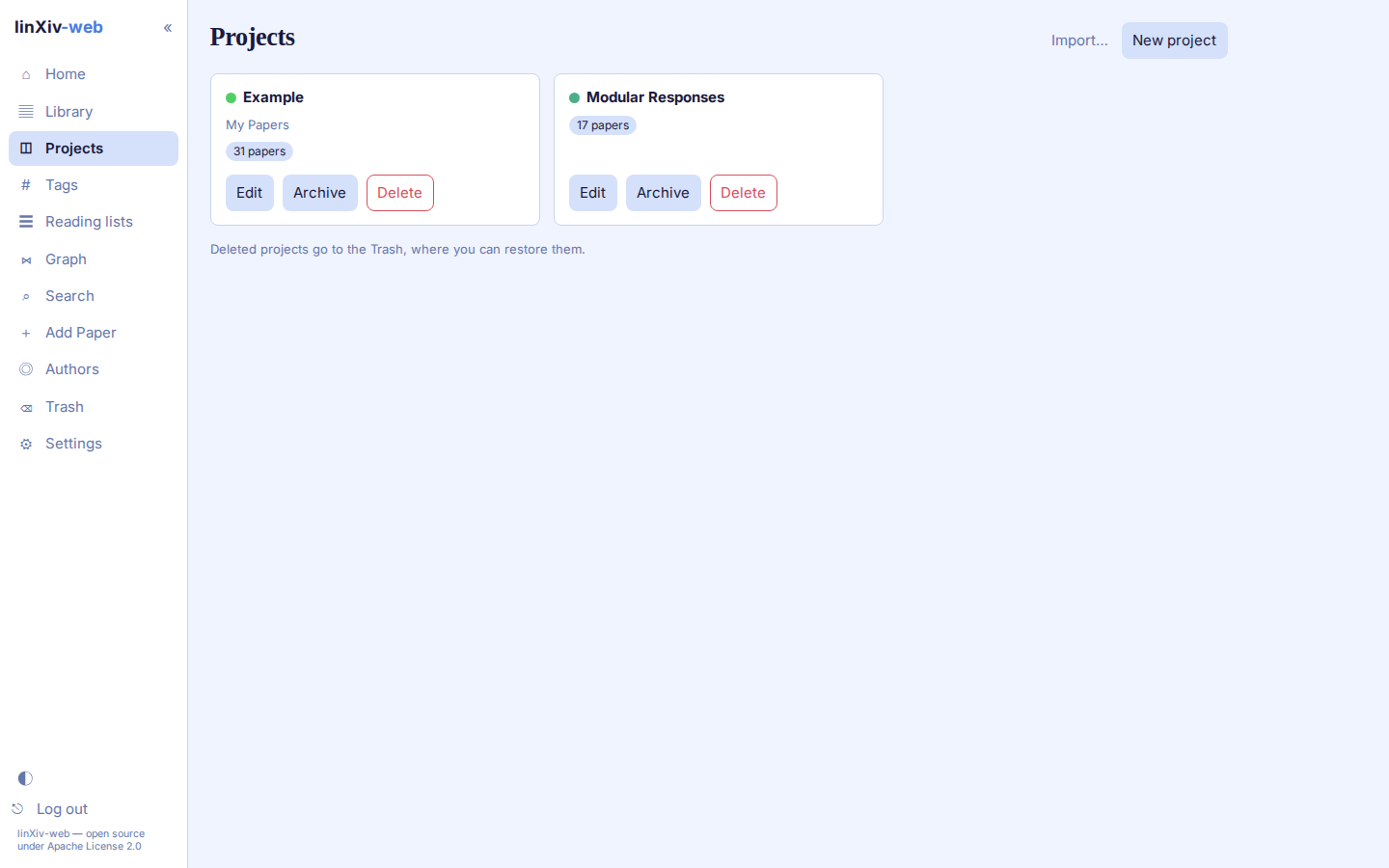
The Projects page shows one card per active project, with its description and paper count. A switch shows archived projects instead, and deleted projects go to the Trash.
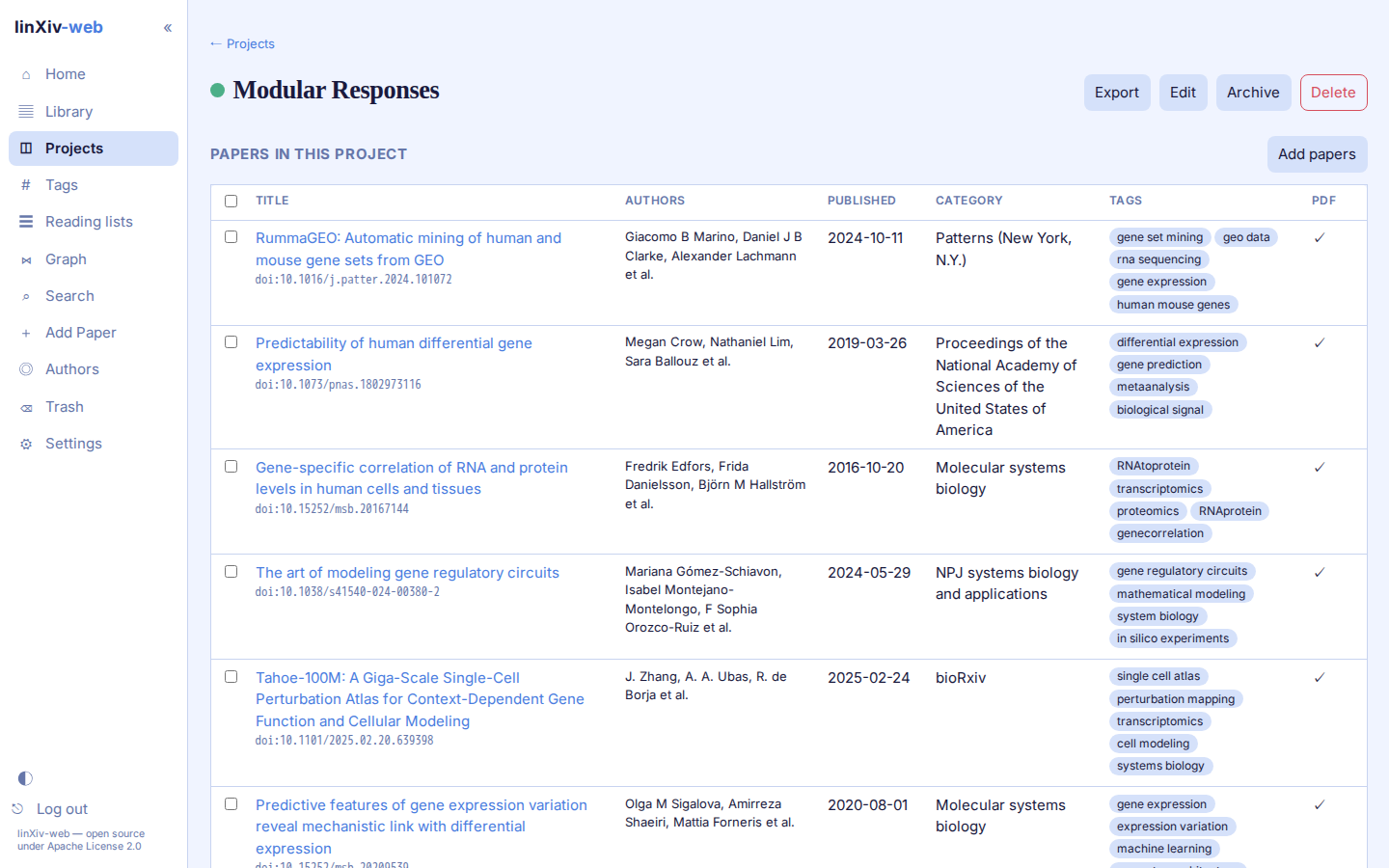
A project page lists its papers in the same sortable table as the Library. Add papers searches the library, and Export writes the project as:
.lxproj(optionally with PDFs), which another linXiv library can import;- BibTeX;
- an Obsidian vault;
- Zotero;
- notes as a Markdown
.zip.
Import... on the Projects page reads a .lxproj file. It shows a preview first and asks whether to merge with or overwrite a project of the same name.
Reading lists
A reading list is a project tagged reading-list. Reading lists have their own page and stay off the Projects page. Open one to add papers.
Papers saved with the browser add-on land on the reading list Imported - to check (token in Settings). Check metadata on that list opens batch edit with every paper selected and Crossref as the source. Approve the changes you want, then Done takes the paper off the list; it stays in your library. Approve all skips matches found by title, because the first result may be a different paper: check those and approve them one at a time. A clip leaves a paper already in your library as it is, and adds the PDF if it has none.
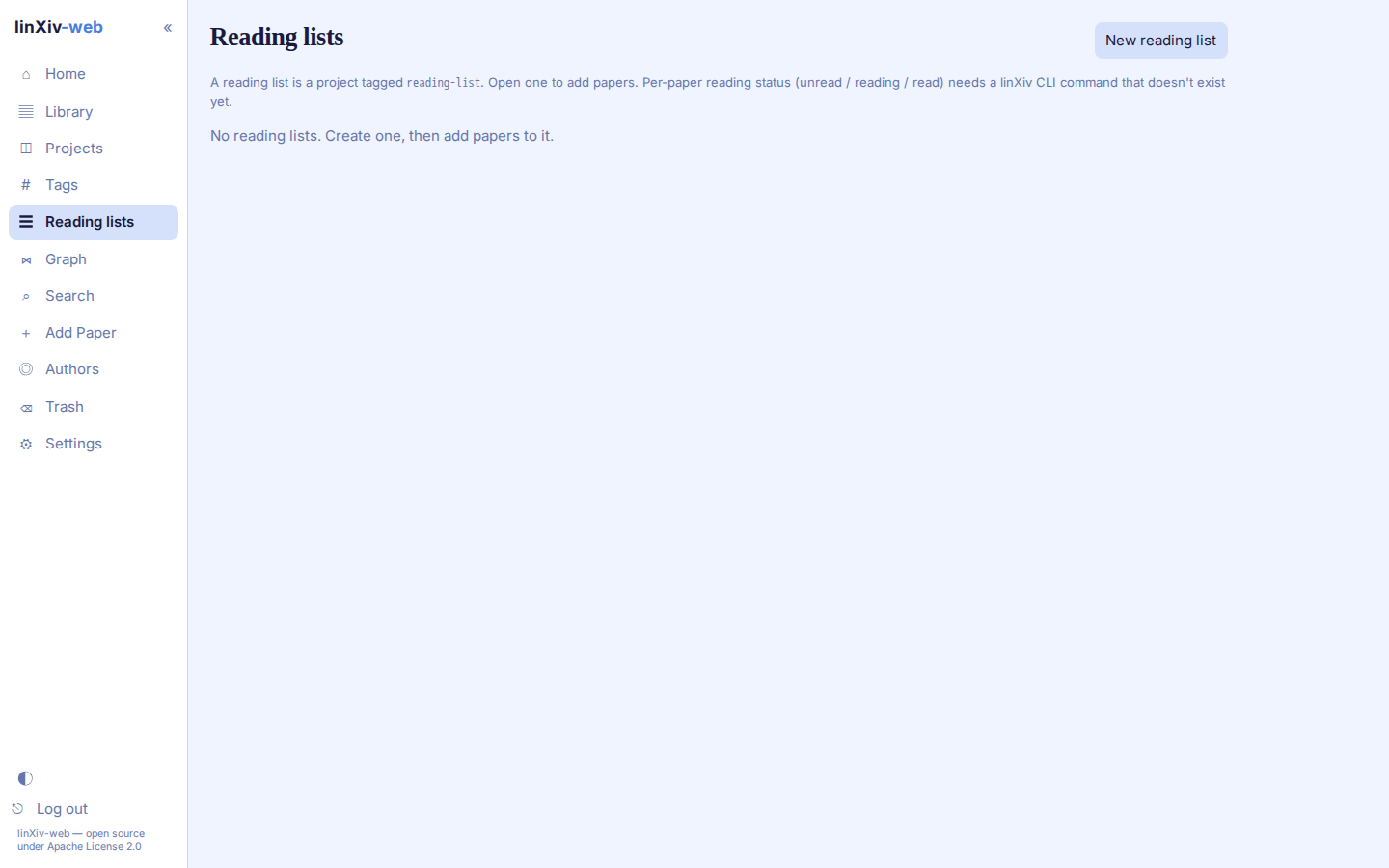
linXiv keeps a per-paper reading status (unread, reading, read) only in its linxiv-headless HTTP API, not in the CLI, so linXiv-web can't show it yet. See Functions not in the CLI.