Ollama Chat History Cleaner
Ollama chat history cleaner


I made these scripts to clean only the chat history and the logs from Ollama GUI and server. It does not remove models, users, or app settings.
Motivation: order and privacy. But is not only me, Reddit post, PR, PR, issue, issue, issue, issue, issue, and another
Scripts are available for macOS, and Windows.
On macOS and Windows it checks common Ollama database paths automatically. It also checks if sqlite3 is installed and if the needed tables exist.
When you run it, it asks if you want a backup. Default answer is No.
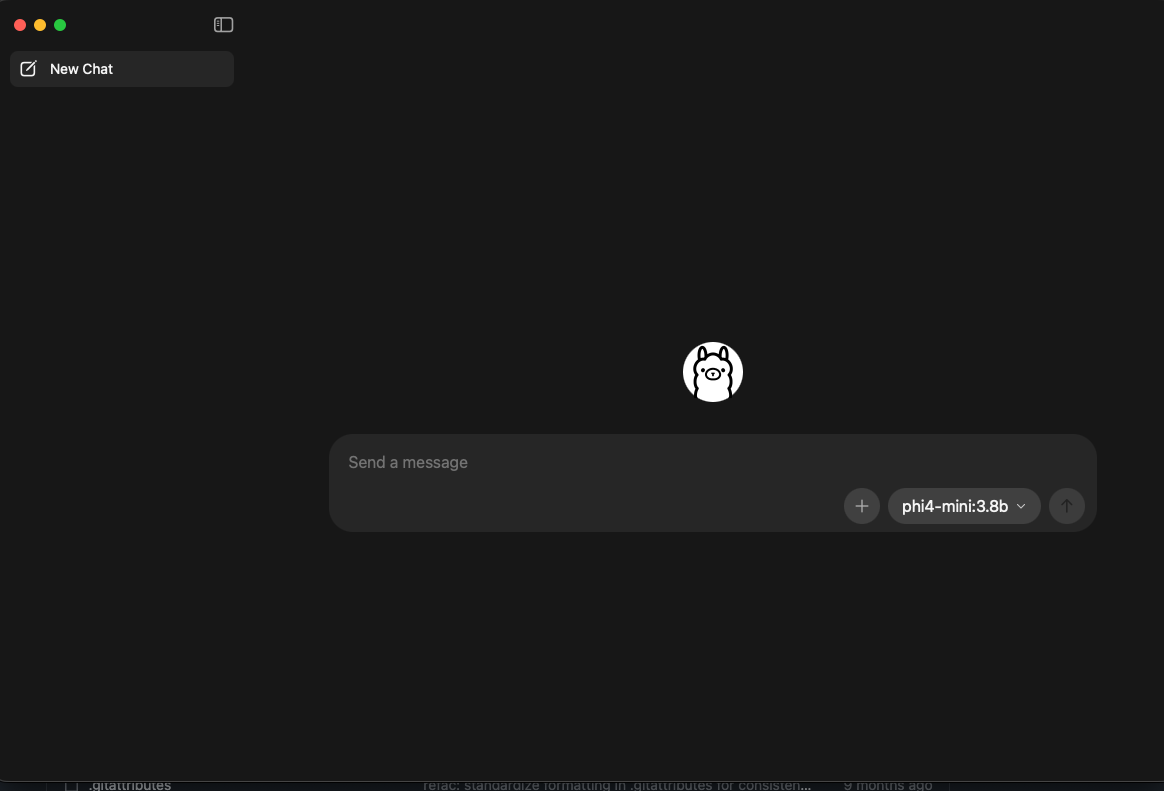
Before and after
Before running the script:
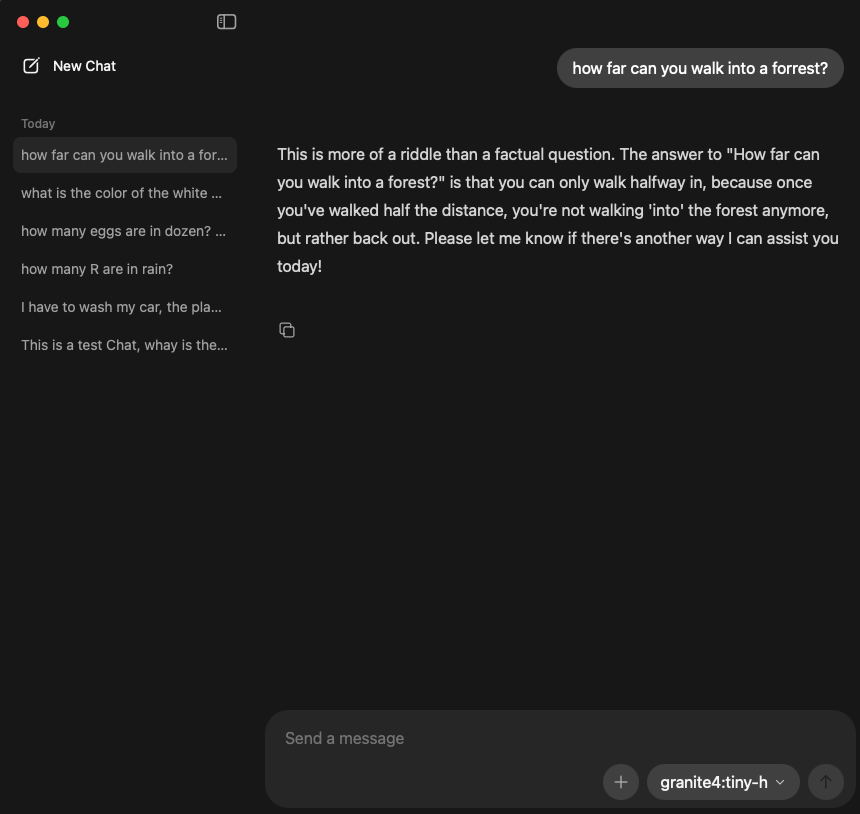
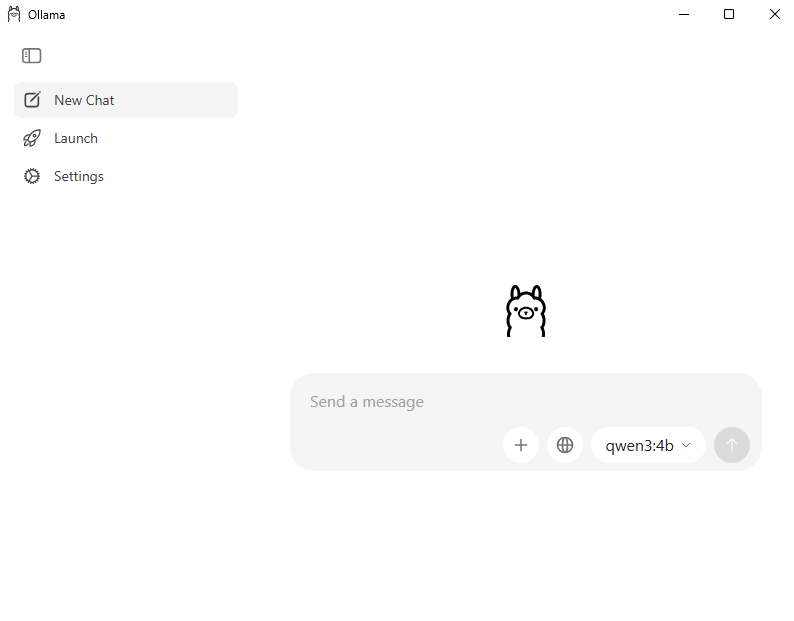
After running the script:
macOS
Install sqlite3
brew install sqliteHow to run
chmod +x ./ollama_chat_deleter.sh
./ollama_chat_deleter.sh
If your DB is in another place, pass it like this:
OLLAMA_DB="/full/path/to/db.sqlite" ./ollama_chat_deleter.shIf you do not want the backup question, you can force it:
OLLAMA_BACKUP=no ./ollama_chat_deleter.shor:
OLLAMA_BACKUP=yes ./ollama_chat_deleter.shDelete Ollama logs
chmod +x ./ollama_logs_deleter.sh
./ollama_logs_deleter.sh
By default it uses:
$HOME/.ollama/logsBefore deleting, it prints all files/directories that will be removed and asks:
Delete all items above? [y/N]:Only y or yes will continue. Any other answer cancels the delete.
If your logs path is different, use:
OLLAMA_LOG_DIR="/full/path/to/logs" ./ollama_logs_deleter.shWindows
Install sqlite3
Option 1 — winget (recommended):
Open PowerShell and run:
winget install SQLite.SQLiteTip: If winget fails with a certificate error (0x8A15005E), run these two commands first:
winget settings --enable BypassCertificatePinningForMicrosoftStore
winget upgrade Microsoft.AppInstaller --accept-source-agreements --accept-package-agreements
Then retry
winget install SQLite.SQLite.
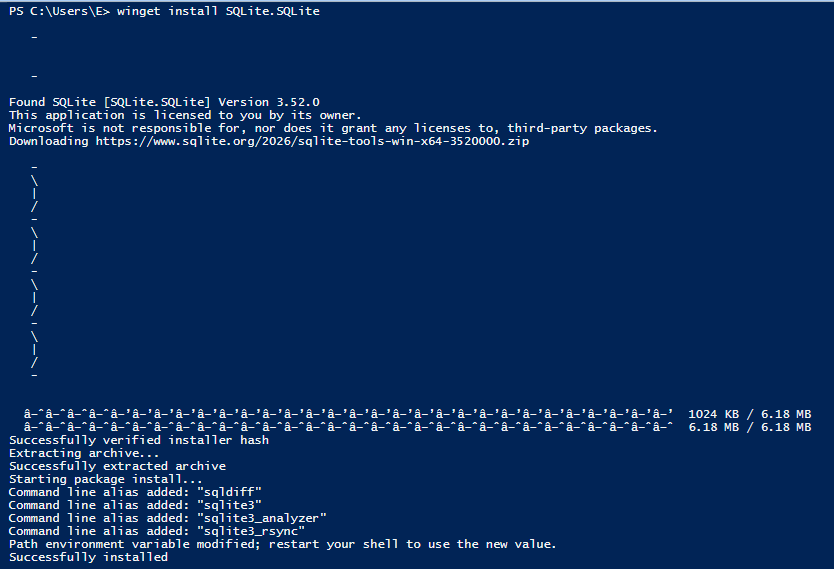
After install, winget places sqlite3.exe inside %LOCALAPPDATA%\Microsoft\WinGet\Packages\ but does not add it to your PATH automatically. Fix it:
- Find the exact path:
Get-ChildItem "$env:LOCALAPPDATA\Microsoft\WinGet\Packages" -Recurse -Filter "sqlite3.exe" | Select-Object FullName- Add the folder to your user PATH (replace the path with what the command above returned):
[Environment]::SetEnvironmentVariable("Path", $env:Path + ";C:\Users\<YOU>\AppData\Local\Microsoft\WinGet\Packages\SQLite.SQLite_Microsoft.Winget.Source_8wekyb3d8bbwe", [EnvironmentVariableTarget]::User)- Close and reopen PowerShell, then verify:
sqlite3 --versionOption 2 — manual:
- Go to https://sqlite.org/download.html
- Under Precompiled Binaries for Windows, download
sqlite-tools-win-x64-*.zip - Extract
sqlite3.exeto a folder likeC:\tools\sqlite3\ - Add that folder to your PATH:
- Open Start → search Environment Variables
- Edit Path under User variables
- Add the folder path and click OK
- Reopen PowerShell and verify:
sqlite3 --version
Allow PowerShell scripts to run
Windows blocks unsigned scripts by default. Run this once to allow local scripts:
Set-ExecutionPolicy -Scope CurrentUser RemoteSignedOr, to bypass for a single run without changing policy:
powershell -ExecutionPolicy Bypass -File .\ollama_chat_deleter.ps1How to run
.\ollama_chat_deleter.ps1
Note: The script stops Ollama before wiping the database and waits for all Ollama processes (including the tray app) to exit before proceeding. If the
-walor-shmsidecar files cannot be removed because another process still holds them, a warning is printed but the chat deletion has already succeeded — SQLite cleans those files automatically on the next open.
The script looks for the database in these locations and uses the first one it finds:
%APPDATA%\Ollama\db.sqlite%LOCALAPPDATA%\Ollama\db.sqlite
If your DB is somewhere else:
$env:OLLAMA_DB = "C:\full\path\to\db.sqlite"
.\ollama_chat_deleter.ps1
To skip the backup prompt:
$env:OLLAMA_BACKUP = "no"
.\ollama_chat_deleter.ps1
or:
$env:OLLAMA_BACKUP = "yes"
.\ollama_chat_deleter.ps1
Before running the script:
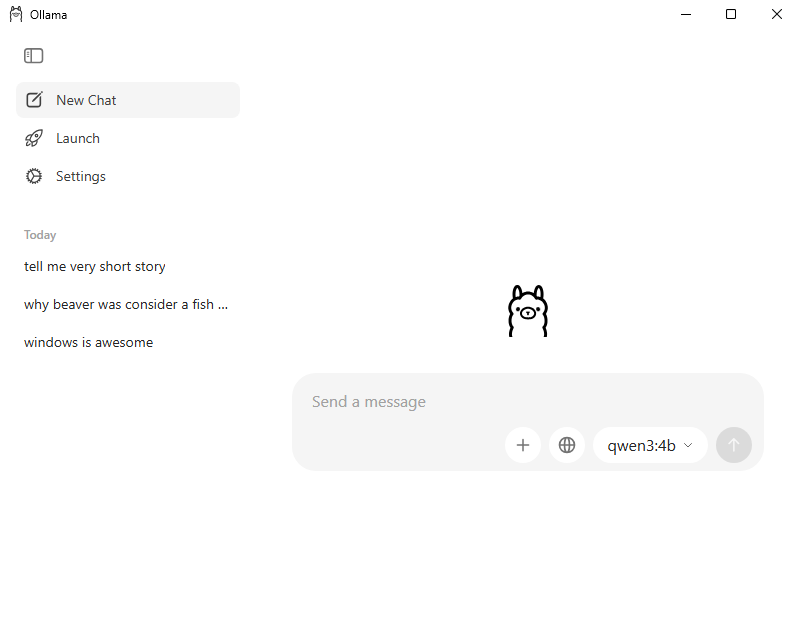
After running the script:
Delete Ollama logs (Windows)
.\ollama_logs_deleter.ps1By default it uses:
%USERPROFILE%\.ollama\logsIf your logs path is different:
$env:OLLAMA_LOG_DIR = "C:\custom\log\path"
.\ollama_logs_deleter.ps1
[!NOTE] Right now these are more involved that I would like to, but I do not have the knowledge to make this into multiplatform app
// Enjoy