Home feed
The home page opens with library counts (papers, PDFs, PDF coverage, categories, tags) and then the home feed.
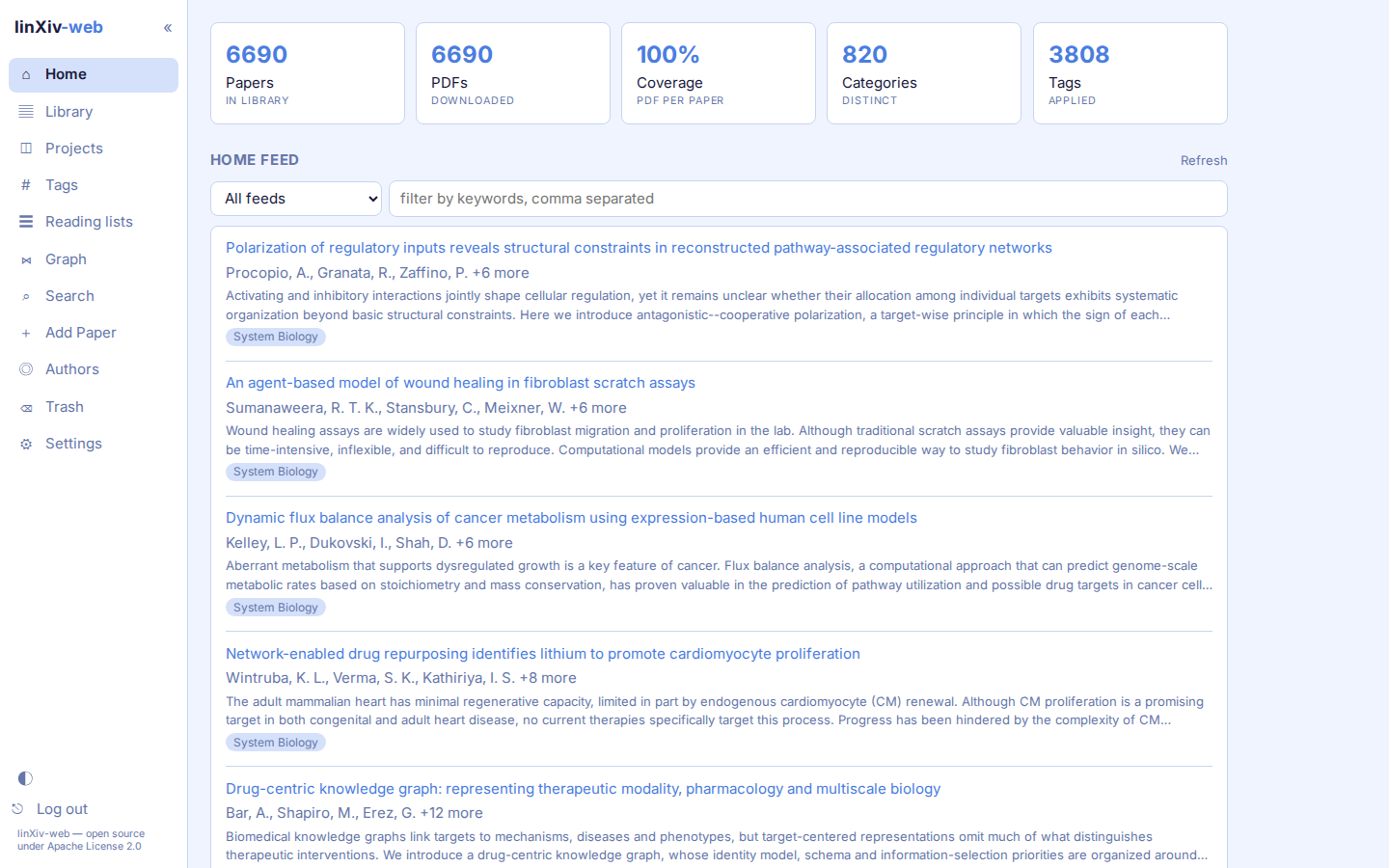
Feeds
The feed shows entries from up to 10 RSS or Atom feeds, for example https://rss.arxiv.org/rss/cs.LG or a bioRxiv subject feed. Add, rename, switch off or remove feeds in Settings → Library → Home feed. The cache retention setting there controls how many days of feed entries stay stored; papers you dismiss for good are always remembered.
The picker above the list shows all feeds merged, a random 10 entries, or one feed at a time. The keyword box filters the list to entries that contain every one of the comma-separated keywords.
Save and Dismiss work on arXiv entries only.
Filter rules
Filter rules hide entries before you see them. A DENY rule hides an entry when all its comma-separated keywords appear in the chosen field (title or summary). An ALLOW rule overrides a DENY match. Rules apply to every feed and live in Settings → Library → Feed filters.
Saved PDFs view
Home also has a Saved PDFs view that lists 10 to 100 saved PDFs at random, by size, or only untagged ones.