Search and add papers
Search
The Search page has tabs for arXiv, OpenAlex, Crossref and your local library. Pick how many results you want and the sort order, then search.
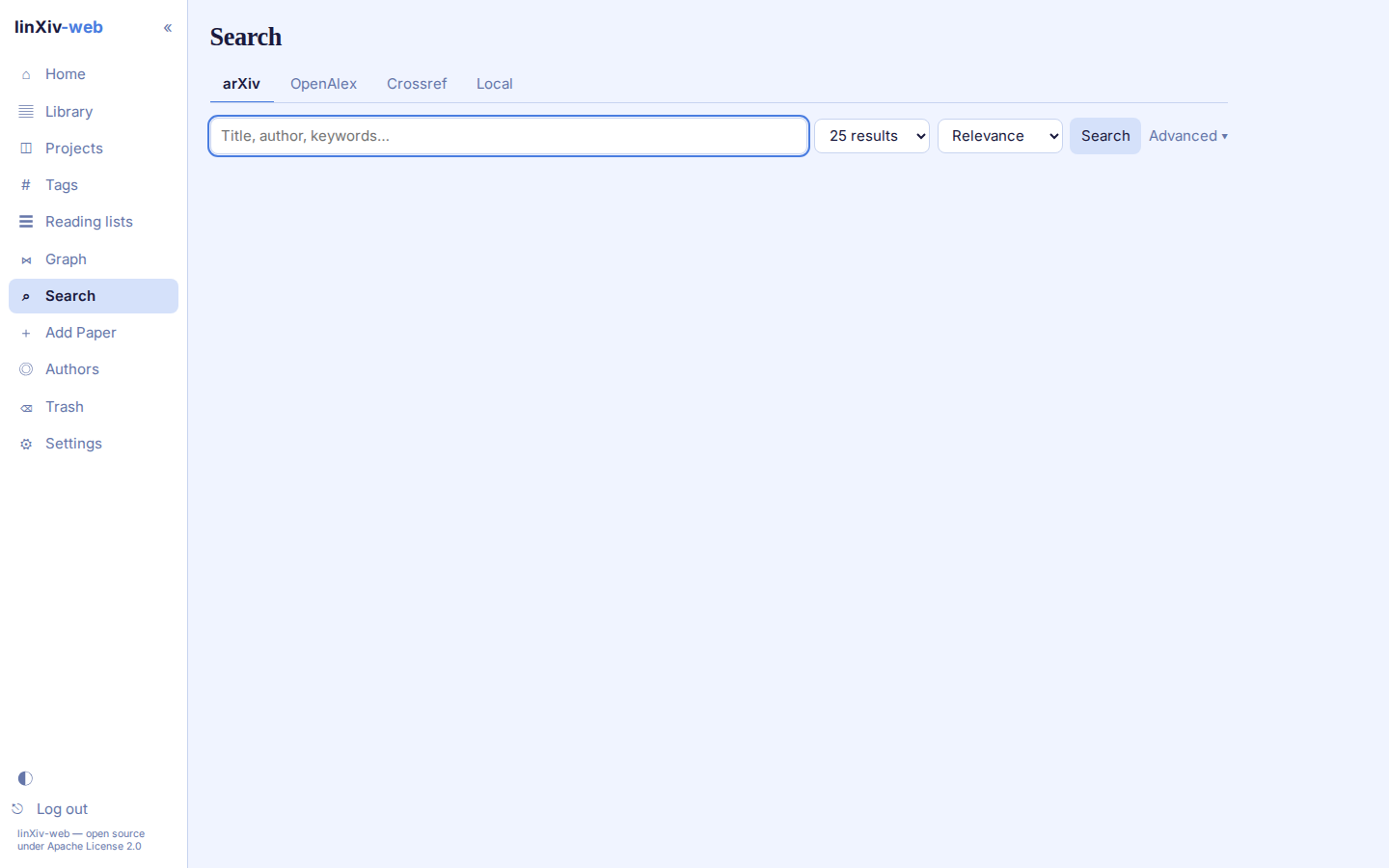
Advanced opens an arXiv query builder: each clause searches all fields, title, author or abstract, and clauses combine with AND, OR or AND NOT. Results already in your library link to their paper page.
Add paper
The Add paper page has three sections.
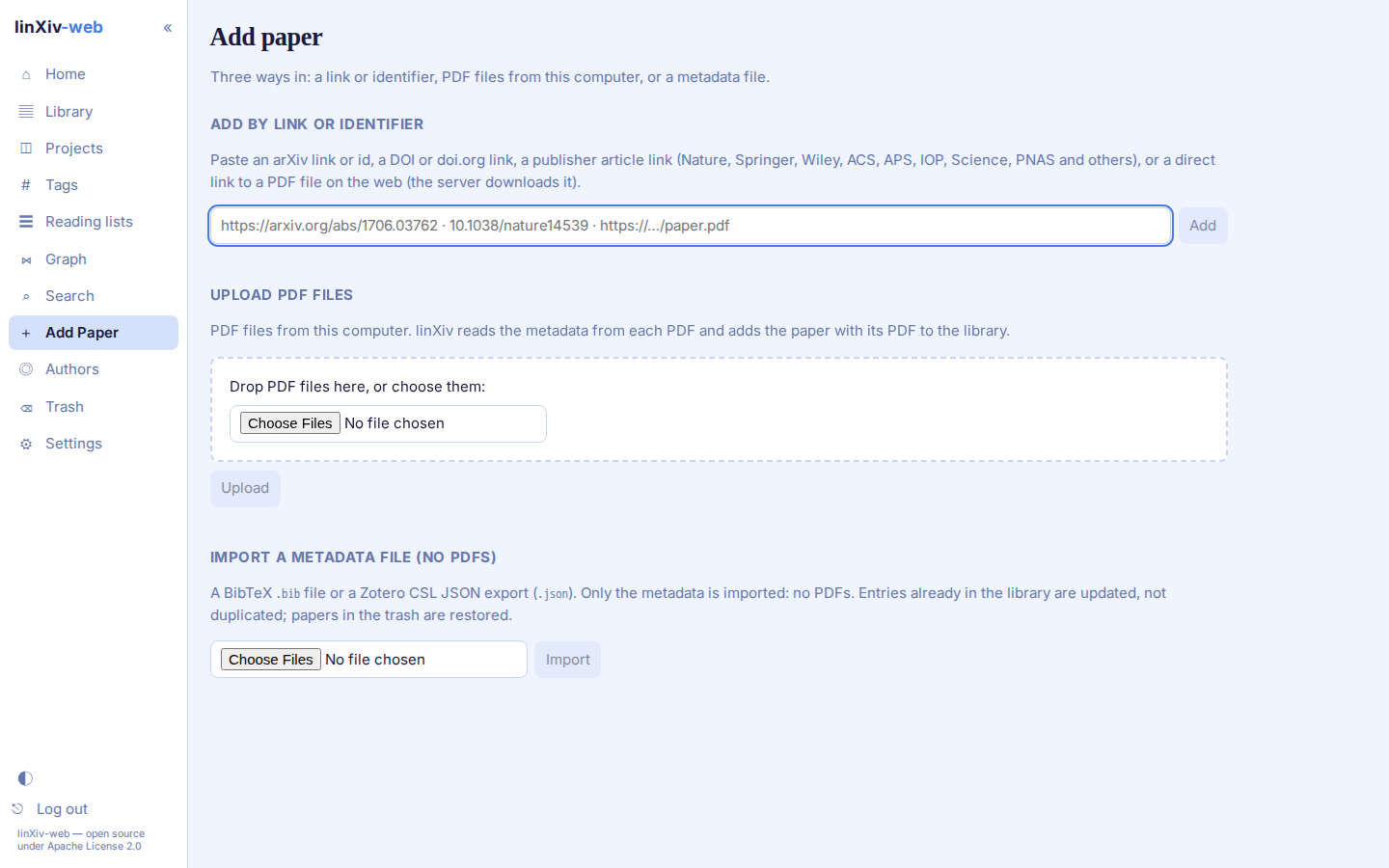
- Add by link or identifier
- Paste an arXiv link or id, a DOI or doi.org link, a publisher article link (Nature, Springer, Wiley, ACS, APS, IOP, Science, PNAS and others), or a direct link to a PDF. For a PDF link the server downloads the file itself, from public hosts only and up to the upload size cap.
- Upload PDF files
- Drop PDFs or choose them. linXiv reads the metadata from each PDF and adds the paper with its PDF.
- Import a metadata file
- A BibTeX
.bibfile or a Zotero CSL JSON export. Only metadata is imported, no PDFs. Entries already in the library are updated, and papers in the trash are restored.
To import a whole folder of PDFs that is already on the server, use the bulk import script.