Projects and reading lists
Projects
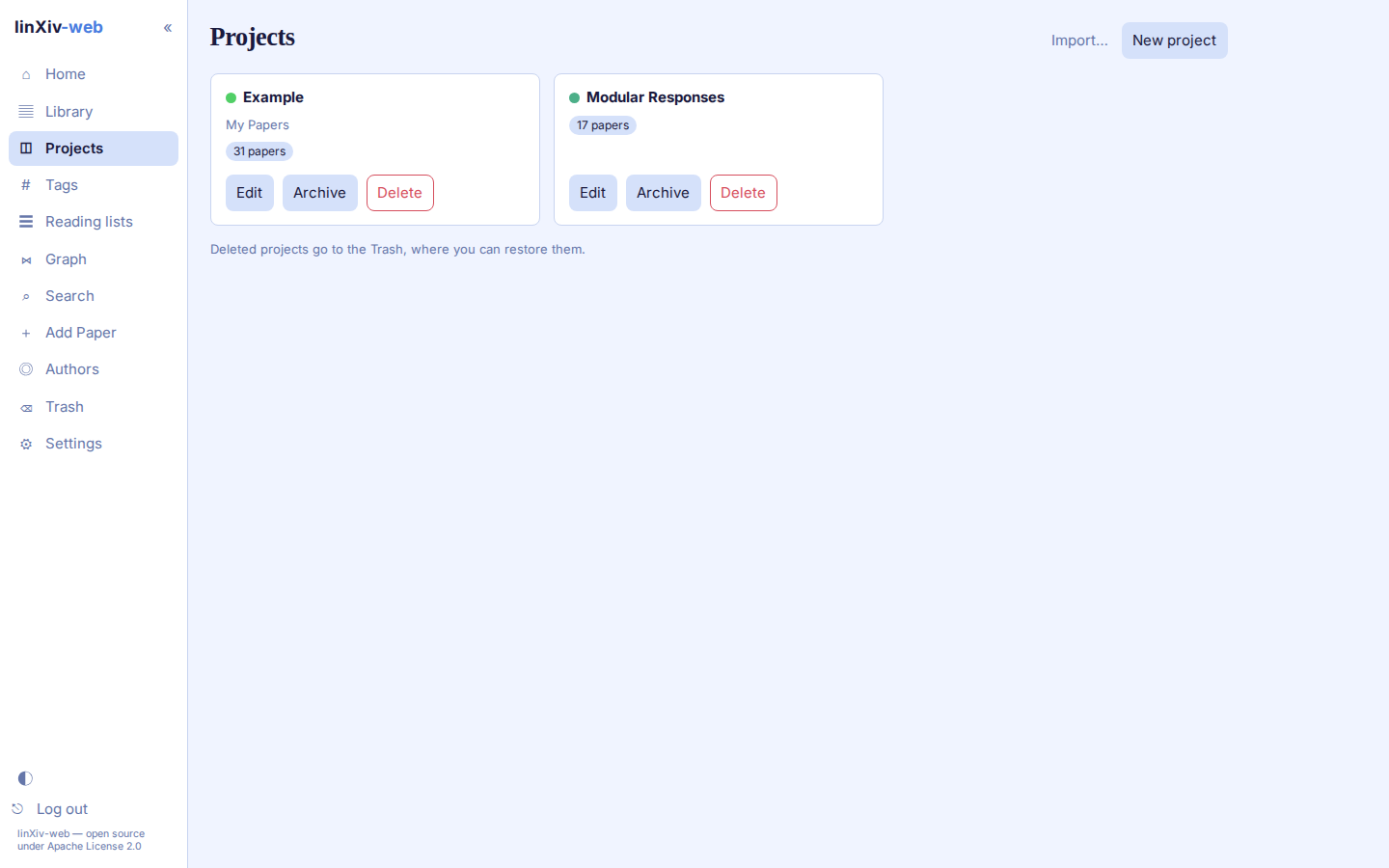
The Projects page shows one card per active project, with its description and paper count. A switch shows archived projects instead, and deleted projects go to the Trash.
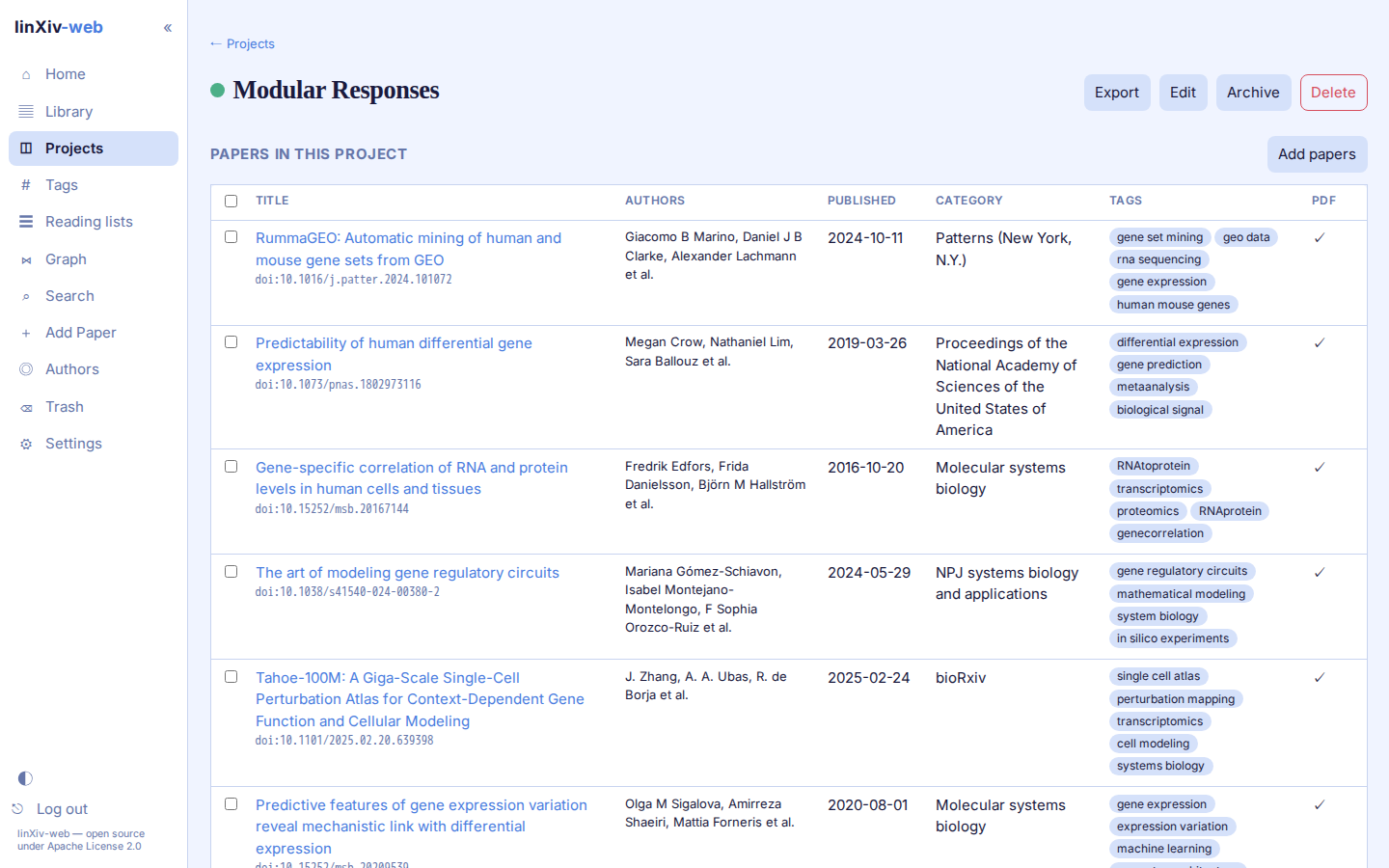
A project page lists its papers in the same sortable table as the Library. Add papers searches the library, and Export writes the project as:
.lxproj(optionally with PDFs), which another linXiv library can import;- BibTeX;
- an Obsidian vault;
- Zotero;
- notes as a Markdown
.zip.
Import... on the Projects page reads a .lxproj file. It shows a preview first and asks whether to merge with or overwrite a project of the same name.
Reading lists
A reading list is a project tagged reading-list. Reading lists have their own page and stay off the Projects page. Open one to add papers.
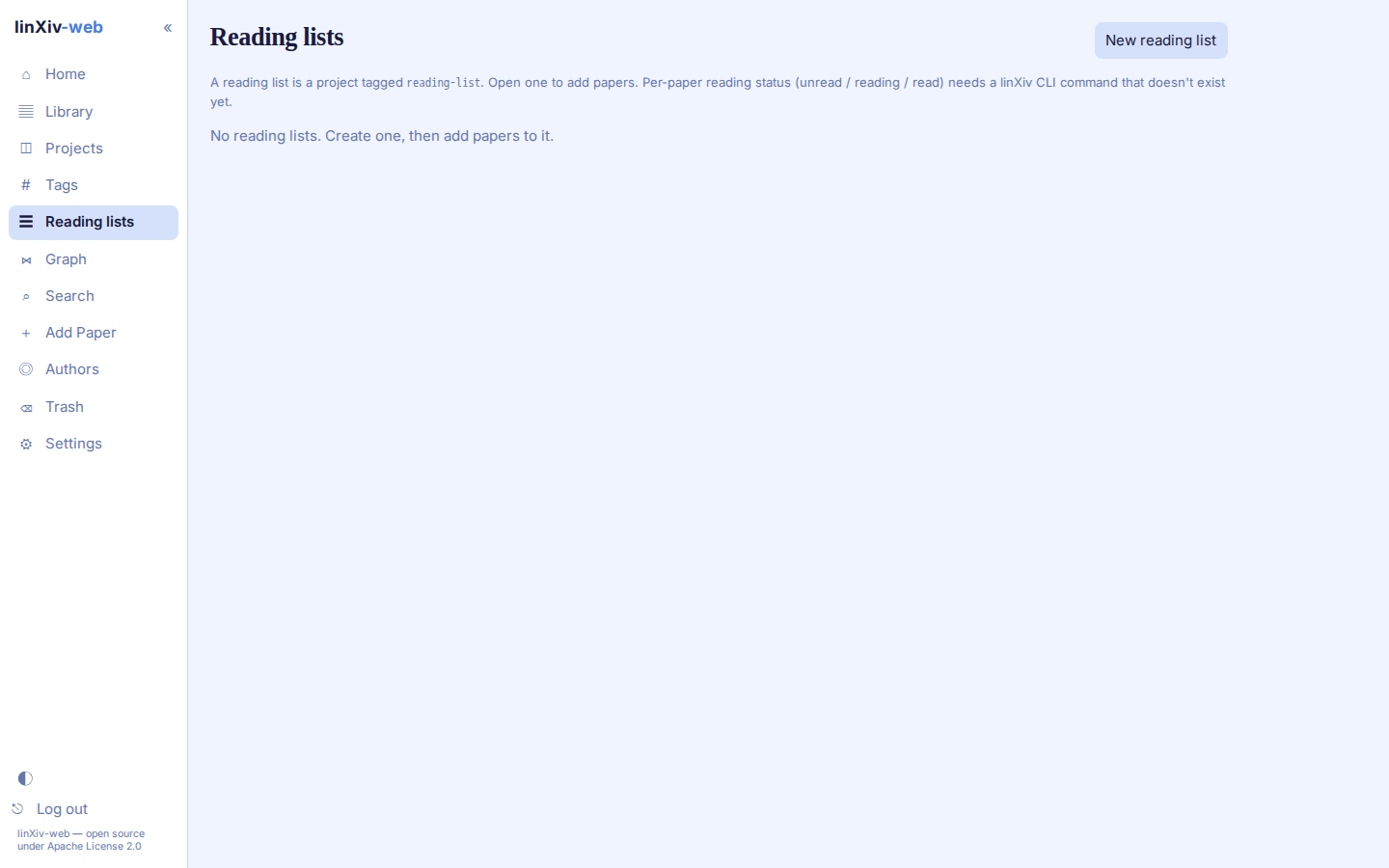
linXiv keeps a per-paper reading status (unread, reading, read) only in its linxiv-headless HTTP API, not in the CLI, so linXiv-web can't show it yet. See Functions not in the CLI.